Configure Employee Property Role Security
Employee properties can be configured with security that limits access to the property by user role. RESTful users will not be able to Get, Post or Patch employee properties that are not accessible to their role based on Employee Property Role Security configuration.
Access to the property can be configured through
HR Admin > Employee Properties. Properties can be assigned to as many roles as necessary, on the
Role Security section.
If no roles are assigned to an employee property, all roles with authorization to Get, Post or Patch employee properties will be granted access to the property. To restrict access, ensure that only the appropriate roles are assigned to the employee property.
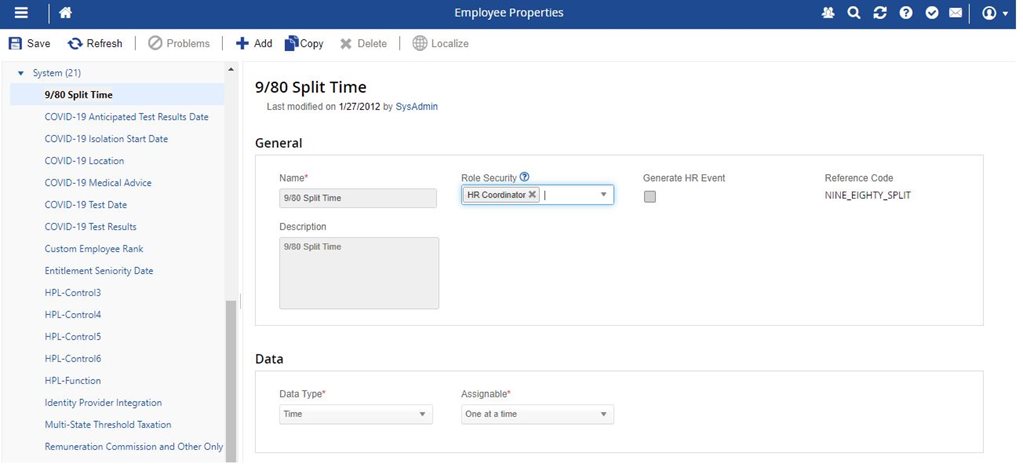
To assign access by role, complete the following steps:
1. Click the drop-down for
Role Security.
2. Select the appropriate role from the drop-down list.
3. Continue to add as many roles as necessary.
4. Click the
Save button.