Configure Access to Reports
Reports that are used with Web services need to be accessible to the role used for Web service calls.
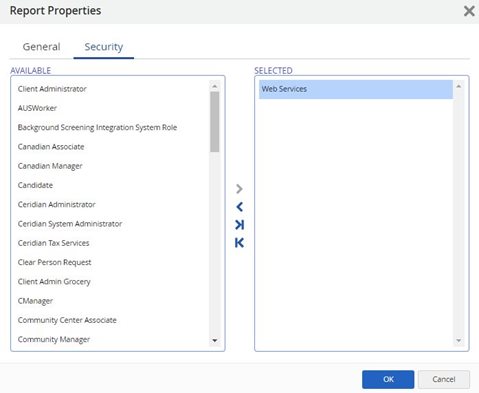
This access is granted by adding the relevant role in the SELECTED column of the Security tab in the Report Properties in Reporting > Reports menu:
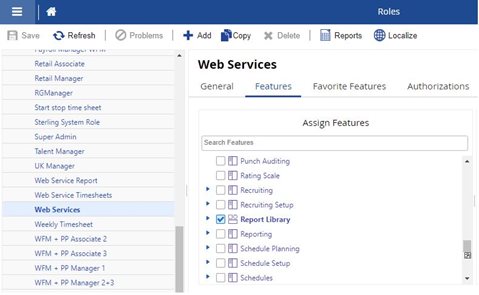
To access any report, make sure access to the Report Library feature is granted to the role used for Web service calls in System Admin > Roles > Features tab.
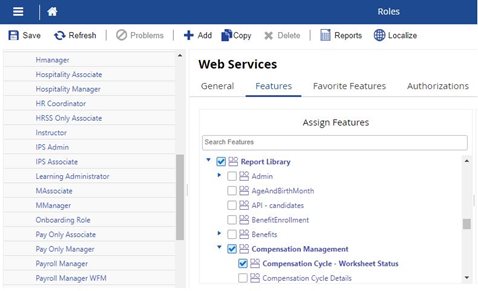
Finally, if the report used for Web services is attached to a report category, access to this category also needs to be granted in the feature screen. In this example, access to Compensation Management category is granted to access the Compensations Cycle report that is attached to the Compensation Management category.